

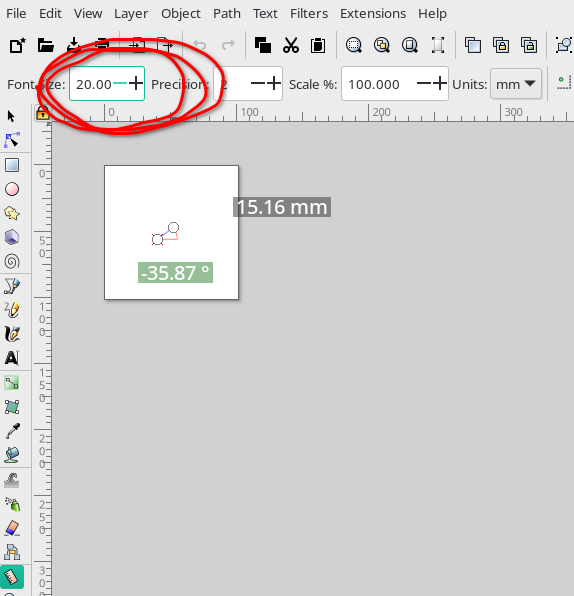
I’ve recently been asked a few times how to change the size of the measure tool font, as the default is hard to read. The answer is rather simple actually, but don’t feel bad since I had to look it up as well….
Here is the default


I’ve recently been asked a few times how to change the size of the measure tool font, as the default is hard to read. The answer is rather simple actually, but don’t feel bad since I had to look it up as well….
Here is the default
