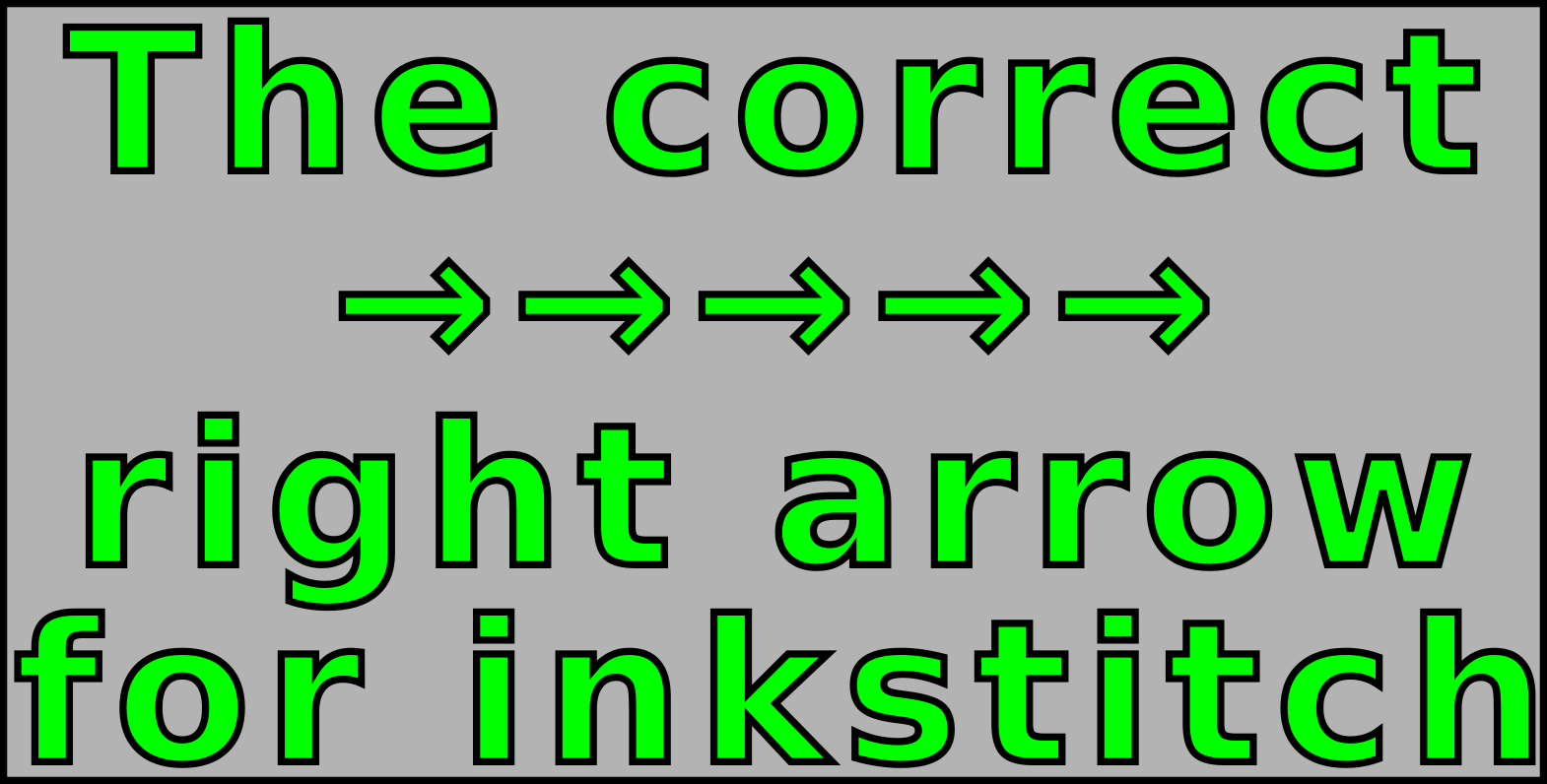


It can be very tricky on certain OS’s to create the correct → right arrow → for use in the inkstitch lettering library when creating a font library, or importing an existing embroidery font design. As far as I know each OS has it’s own way of creating the →. On Linux that I use daily, it’s something along the lines of press 8 different keys together while standing on your head and make sure one foot is touching the nearest wall.
Never fear, I have you covered. Every single → in this article is the correct → to use for the lettering library naming requirements. So just copy any of these → and paste it as the →.svg name and you’re good to go.
Another trick that works is open the existing lettering library folder, pick a random font, rename, copy it (careful not to change it). Then paste that copied right arrow into the →.svg name.
